

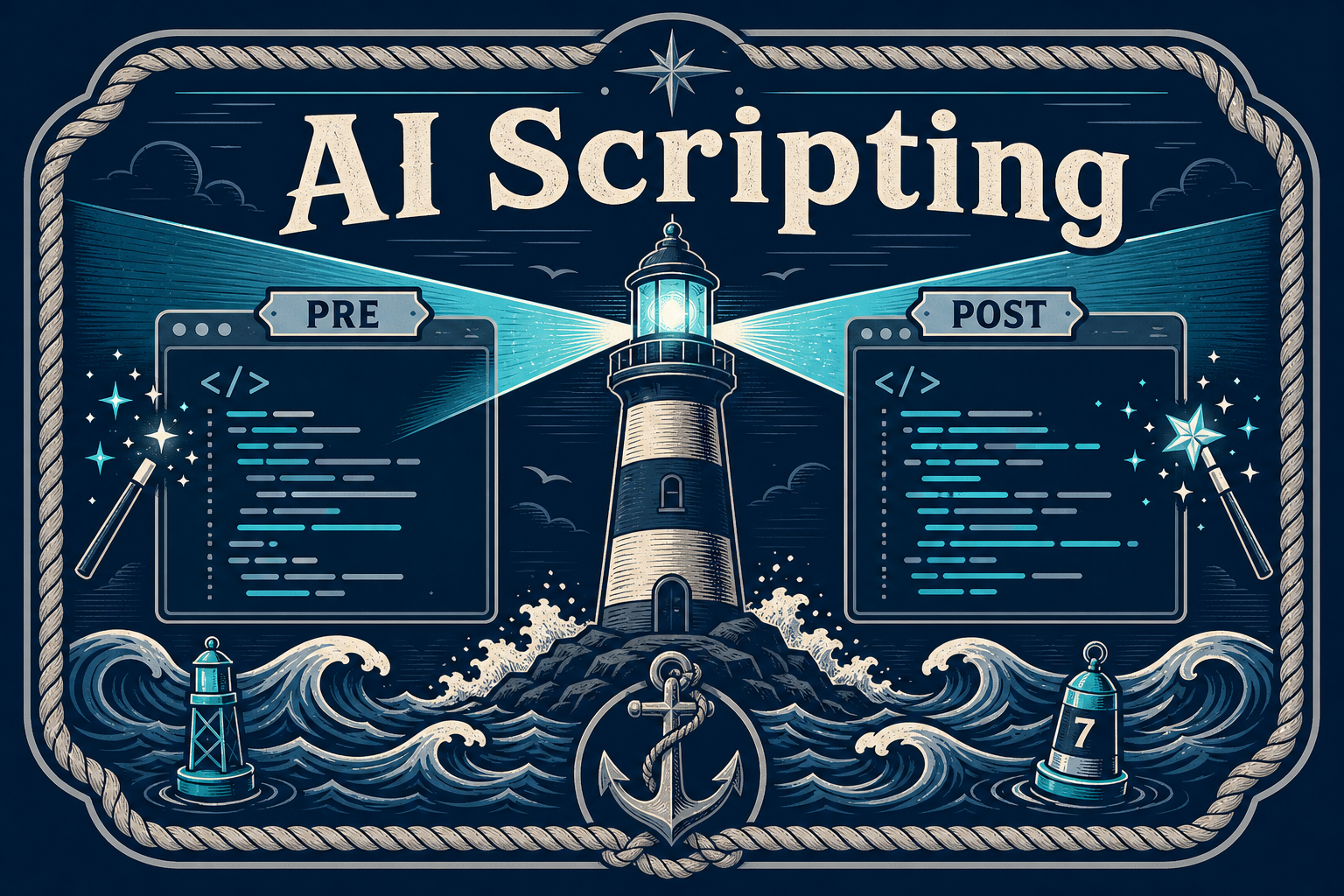
Pre-request and post-request scripts are where HarborClient gets practical: set headers before a call, capture tokens after a response, assert status codes, and chain variables across requests. If you know what you want but not the exact hc syntax, HarborClient brings AI into the script editor itself — no tab switching, no copy-paste from a separate chat window.
Where scripts live
Open any request and choose the PreRequest or PostRequest tab. Each tab holds an ordered list of scripts that run top to bottom. You can also add collection-level scripts in collection settings; those run before and after every request in the collection, wrapping request-level scripts.

Execution order looks like this:
- Collection pre-request scripts
- Request pre-request scripts
- The HTTP request
- Request post-request scripts
- Collection post-request scripts
Before you start: configure an AI model
Script AI features appear when HarborClient has at least one model available — either personal provider API keys in Settings, or Team Hub LLM models. Without a configured model, the Ask AI button and /ask command stay hidden.
Ask AI: open a sidebar chat scoped to one script
Every inline script row includes a magic-wand Ask AI button (tooltip: “Ask AI about Inline script”).

Click it and HarborClient:
- Opens the AI sidebar
- Starts a fresh agent chat
- Prefills the composer with an
@reference to that exact script, such as@active.pre.1or@42.post.2
The reference tells the agent which request, phase (pre or post), and script index you mean. From there, ask naturally: “Add a test that checks the response status is 200,” “Set an Authorization header from the token variable,” or “Explain what this script does.” The full agent can read your request details and even rewrite inline scripts for you.
Use Ask AI when you want a conversation — longer refactors, debugging a script that spans multiple lines, or step-by-step guidance while you iterate.
/ask: get code without leaving the editor
For quick, in-place help, type /ask directly in an inline script editor. HarborClient treats it as a mini coding assistant embedded in the script.
Two ways to use it
/ask with a question on the same line — runs immediately.
/ask alone — opens a small anchored dialog near your cursor.
Examples from empty script placeholders
New script editors include sample hc code plus an example /ask line:
hc.request.url = 'https://example.com';
hc.variables.set('token', 'abc');

/ask How do I set a request header?
hc.test("status is 200", () => {
  hc.expect(hc.response.code).to.equal(200);
});

/ask How do I parse the response JSON?
Ask AI vs /ask: which should you use?
| Situation | Best tool |
|---|---|
| One-line snippet or quick syntax question | /ask |
| Multi-line refactor or debugging | Ask AI button → agent chat |
| Want code inserted in place | /ask |
| Want to discuss, iterate, and ask follow-ups | Ask AI button → agent chat |
A note on snippets
/ask works in inline script editors. Script rows linked to the snippet library are read-only in the request editor — edit those in the snippet library, or convert them to inline scripts first. The agent can rewrite inline scripts but not linked snippets.
Learn more
For the full scripting reference — variables, tests, response helpers, and more — see Scripting help in HarborClient or visit harborclient.com/request-scripts.


Leave a Reply