

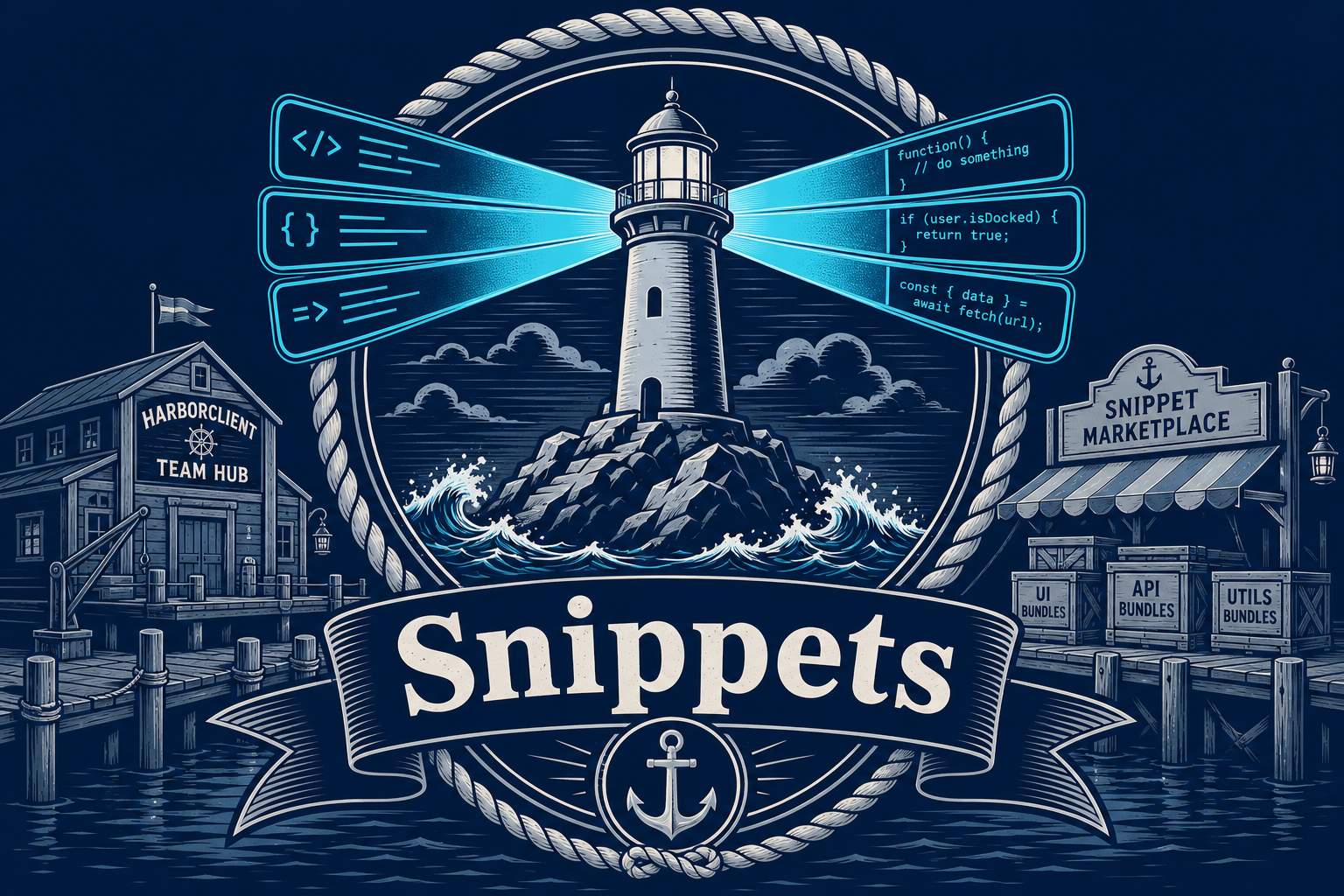
If you write pre-request and post-request scripts in HarborClient, you have probably copied the same token-capture logic, assertion helper, or environment bootstrap across dozens of requests. Snippets turn that repeated JavaScript into a reusable library you can keep locally, store in Git, share through Team Hub, or install from the new Snippets Marketplace.
A snippet library inside HarborClient
Open the dedicated Snippets workspace from the View menu or press Alt+Shift+S. The sidebar is organized into three sections: Installed, Marketplace, and Install.
From there you can create, edit, import, and organize JavaScript snippets with a name, code body, and scope:
- Pre-request — runs before the HTTP call
- Post-request — runs after the response arrives
- Any — available in either phase
Each snippet can live in the storage location that fits your workflow: local HarborClient storage, Git-backed files, or a connected Team Hub. You can move snippets between providers while keeping a stable global ID, so a linked script reference keeps working even when you relocate the snippet.
Link snippets into your requests
Request and collection script lists no longer force you to paste the same inline code everywhere. In the script editor, add a snippet reference instead of a one-off script block. HarborClient resolves the linked snippet at send time, so updating the library updates every request that points at it.
You can also save an inline script to your library, unlink a row when you want a forked copy, and use the snippet picker to browse what is already installed. Marketplace-installed snippets are read-only in the library — clone them when you need an editable starting point. Settings include optional warnings when you click or edit read-only linked snippets, so you are not surprised by protected bundle content.
Team Hub: shared snippet storage
Teams using Team Hub can treat a hub as a shared snippet backend. When a hub exposes snippet storage routes, it appears as a storage location in the Snippets editor and shows a Snippets service badge on the Team Hub list. Your team can centralize reusable request logic — auth helpers, test assertions, environment setup — without emailing script files around.
Snippet-capable hubs sync into your local registry on connect and resync, so the Snippets page stays fast even when the authoritative copy lives on the server. Hubs that do not yet expose snippet routes are hidden from snippet storage pickers, and HarborClient surfaces a clear warning when storage is active but snippet routes are missing. Local and Git-backed storage remain available alongside Team Hub, so you can mix personal snippets with team-owned ones.
The Snippets Marketplace
The new Snippets Marketplace follows the same Git-backed, signed-bundle model as the plugin catalog. Browse curated bundles in HarborClient, search and filter by category, open a detail view with README and included snippet list, then install with one click. You can also install from a Git URL, .hcs or .zip archive, or an unpacked directory, update Git-installed bundles when publishers ship new versions, and uninstall whole bundles when you no longer need them.
Marketplace bundles install into your local registry as read-only libraries. Verified publishers display a badge after signature checks against HarborClient trusted keys. Deep links such as harborclient://snippet/install?id=<bundle-id> let docs and release notes jump straight into installation, and Search Anything can find marketplace bundles and open the Snippets page for you.
The catalog is live at harborclient.com and is still growing — the marketplace is new infrastructure, and more bundles will land over time. Publishers can ship multi-snippet bundles from Git repositories with a snippets.json manifest, the same distribution pattern teams already use for plugins.
Try it today
Whether you are deduplicating auth-token capture, standardizing test assertions across a collection, or sharing team-owned helpers through Team Hub, snippets keep your scripting DRY without giving up control. Download the latest HarborClient from GitHub Releases, press Alt+Shift+S to open Snippets, and browse the Marketplace tab for installable bundles. If you run a hub for your team, check the Team Hub docs for snippet storage configuration so your crew can publish and reuse scripts from one shared harbor.


Leave a Reply