

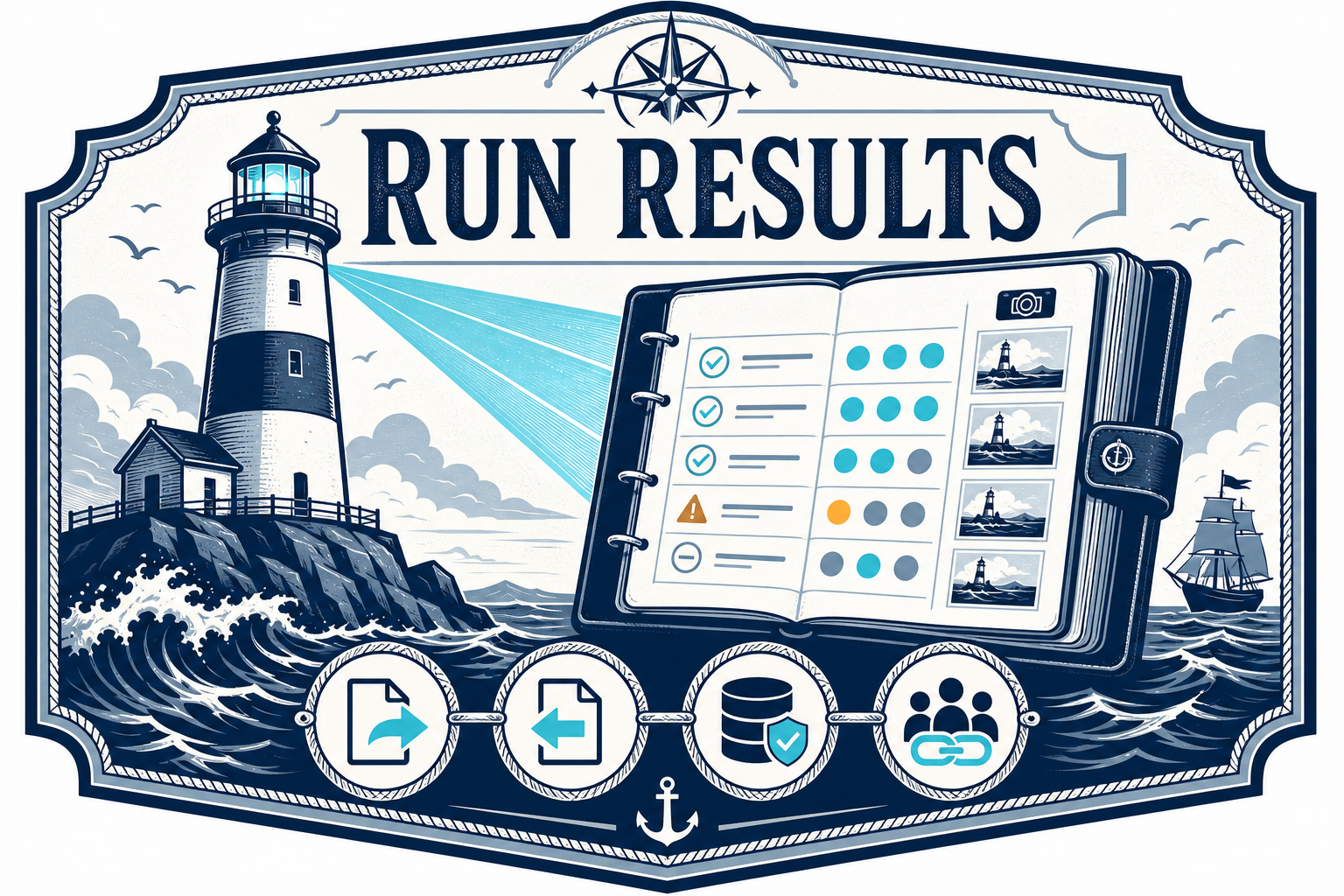
Running a collection is useful in the moment. Keeping the results is useful long after.

HarborClient’s improved run results workflow makes collection runs easier to save, organize, share, and reopen. Whether you are validating an API locally, saving a snapshot for later, or sharing a Team Hub run with teammates, run results now behave like a first-class part of your workspace.
A Dedicated Run Results Tab
Collection runs now open into a focused Run Results view where you can review the full outcome of a run after it completes. The page summarizes the run status and keeps each request result available for inspection, so you can quickly move from the overall outcome to the details that matter.
Each saved run can also be reopened later from the sidebar, making it easy to compare past runs or preserve evidence of a specific API state.
Save Results to Storage
Run results can now be saved directly to a storage location.
After a collection run finishes, click Save and choose where the snapshot should live. You can save run results to local storage or to a configured Team Hub. The Save button stays available after a run is saved, so the same result can be copied to another storage location if needed.
Saved run results appear in the new Run Results sidebar section, including a success or failure indicator and the storage location badge when storage badges are enabled.
Team Hub Support and Admin Management
When run results are saved to Team Hub, they become available to teammates through the hub instead of being locked to one local machine.
Team Hub admins also get a new Run Results management view. From the Team Hub tab, admins can review saved run result snapshots for a hub and delete results when they are no longer needed.
This makes run results easier to manage as shared team artifacts, especially when they are used for debugging, review, or handoff.
Share Run Results with Deep Links
Team Hub saved results can be shared with a deep link.
Once a run is saved to Team Hub, the Run Results header enables a link button. Clicking it copies a harborclient://run/... link that can be sent to a teammate. When opened, HarborClient resolves the link through connected Team Hubs and opens the saved run results directly.
Export and Import
Storage-backed saves are not replacing portable files. The Run Results page supports export and import.
Use Export to save a run result as a JSON file. Use Import to reopen a saved results file later, even outside of the original storage location. This keeps the workflow flexible: use storage for day-to-day organization, Team Hub for shared team snapshots, and JSON files for portable archives or handoffs.
Sidebar Improvements
The sidebar now includes a dedicated Run Results section under Environments. Each saved run appears as its own item and can be opened with a click.

Why It Matters
Run results are often more than temporary output. They can be a record of a regression, proof that an endpoint behaved correctly, or a snapshot that helps another teammate understand what happened.
With saved run results, Team Hub support, deep links, and import/export, HarborClient gives those snapshots a longer useful life without making the runner workflow heavier.


Leave a Reply