

HarborClient scripts can now ask a model mid-run. hc.ask() is a one-shot AI completion you call from pre- or post-request scripts—useful when you want a short answer about the current send without leaving the request flow or wiring up a separate chat session.


It returns a Promise that resolves to the model text, or null when AI is not configured or the model selection cannot be resolved. No tool loops, no invented Postman-style AI APIs—just await hc.ask(...).
How to use it
Drop it into a script like any other async helper. Pass a prompt, and optionally pick a model with "name" or "name: source" (Personal, GitHub Models, or a Team Hub display name). Omit the model to use the first available one.
const sizeAnswer = await hc.ask("What is the file size of the image?", {
  model: "gpt-4o: personal"
});
if (sizeAnswer == null) {
  console.log("AI not configured");
} else {
  console.log(sizeAnswer);
}
Context comes with the call
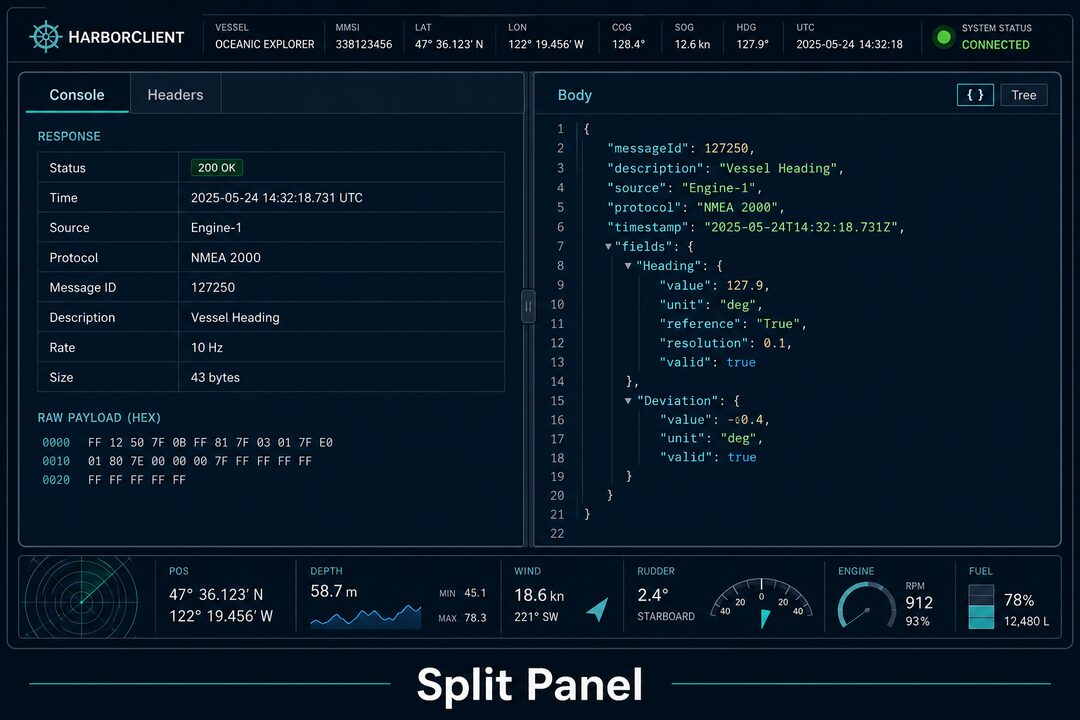
HarborClient injects a compact snapshot of the current send before your prompt: method, URL, headers, params, and a body preview. In post-request scripts, the response snapshot is included too—status, headers, timing, and sizeBytes. Binary and image bodies are summarized without dumping base64, so questions like file size still work.
You usually do not need to paste hc.response into the prompt; the snapshot is already there. Keep prompts short and specific, and treat a null result as “AI unavailable” rather than a model refusal.
Grab the latest build from harborclient.com or GitHub Releases, configure an AI model in settings, and try hc.ask() in a post-request script.


Leave a Reply