

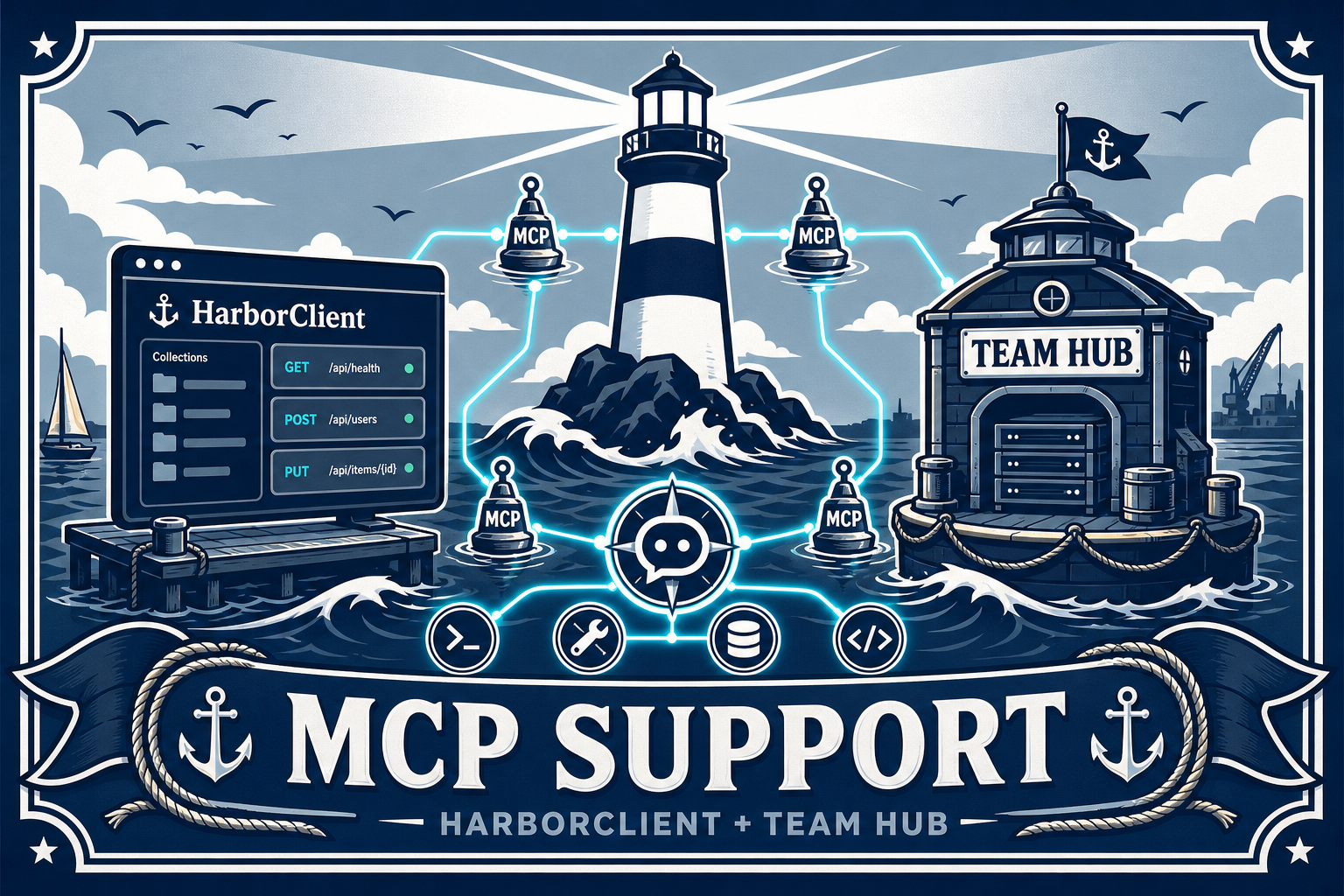
The Model Context Protocol (MCP) is how AI assistants connect to external tools — search, databases, APIs, and more. HarborClient adds support for MCP: it can expose your collections and requests to an assistant as an MCP server, and it can connect to remote MCP servers so the built-in AI agent can call their tools. Recent releases make both paths more reliable and easier to configure, and Team Hub adds a team-scale option that keeps MCP credentials off individual laptops.
A more reliable MCP server for Cursor and other clients
When HarborClient runs as an MCP server, desktop assistants like Cursor connect over HTTP and call tools such as listing collections, reading requests, and sending HTTP calls on your behalf. Start the MCP server from the footer panel or Settings, copy the generated config snippet, and paste it into your assistant’s MCP settings.
Easy MCP client setup
HarborClient can connect to remote MCP servers and merge their tools into the AI assistant’s tool list. Settings → MCP makes that workflow smooth:
- Editable headers — HTTP headers for MCP client servers use a clear JSON array format:
[{ "Header-Name": "value" }]. Legacy key/value rows still import correctly. - Import from MCP config — paste a Cursor-style
mcpServerssnippet and HarborClient fills in the server URL and headers for you. - Verbose logging — run HarborClient with
-vto log outgoing MCP client HTTP requests and responses when you need to debug a stubborn connection.
Team Hub: MCP on the server
Teams using Team Hub for shared collections and proxied LLM access can now configure MCP servers in server.yaml under llm.mcp. During each chat step, the hub merges those tools into the provider request, executes hub MCP tool calls server-side in a bounded loop, and returns only passthrough (HarborClient-side) tool calls to the desktop client.
Try it today
Whether you connect Cursor to HarborClient as an MCP server, attach remote MCP tools to the in-app assistant, or centralize MCP access through Team Hub, the goal is the same: powerful AI workflows without scattering secrets across machines. Download the latest HarborClient from GitHub Releases, open Settings → MCP, and see the Team Hub LLM docs if you run a hub for your team.

Leave a Reply